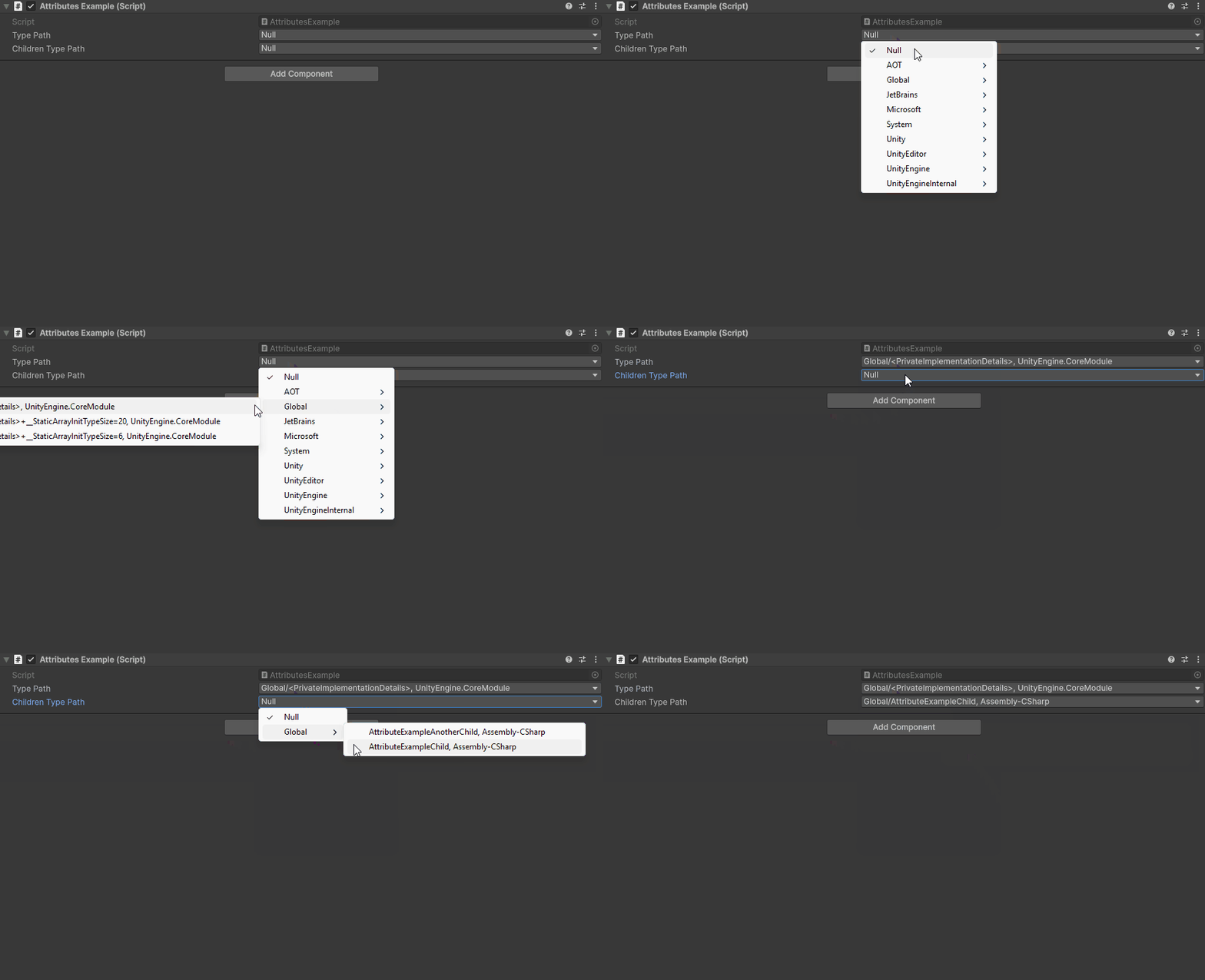
TypeDropdown Attribute
Attribute to make a dropdown of type paths
- Parameters:
optional,
stringassemblyName: Filter which types are displayed by the assembly nameoptional,
stringbaseTypeFilter: Filter which types are displayed by their base type. The base type itself will not be included
Note
The TypeDropdown Attribute can only be attached to a string
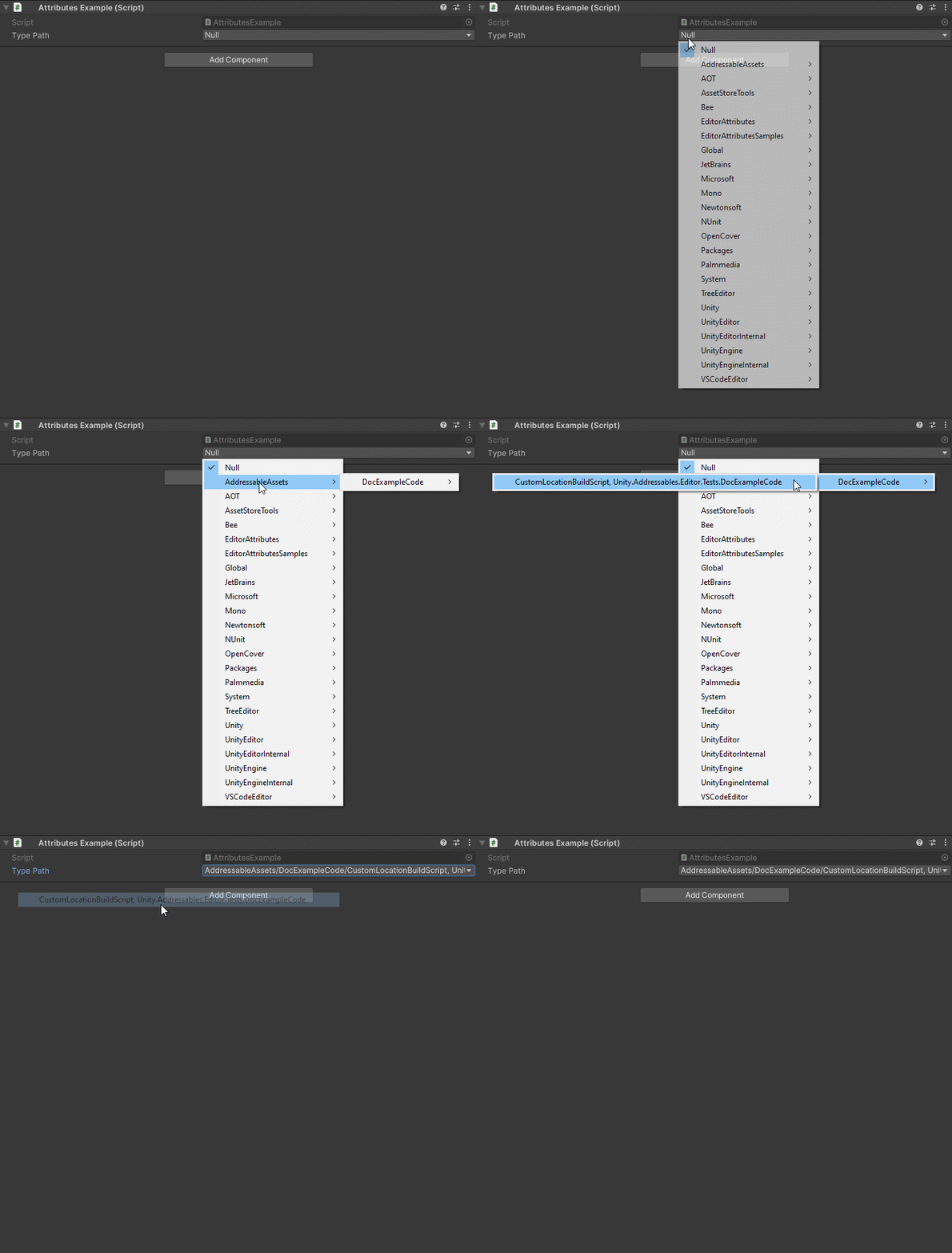
The dropdown will return a string that can be used with the Type.GetType() function:
using UnityEngine;
using EditorAttributes;

public class AttributesExample : MonoBehaviour
{
        [SerializeField, TypeDropdown] private string typePath;
}
By default the dropdown will display all visible types in the project, but you can also filter which types you display by the assembly name and base type which will also show internal and private types:
using UnityEngine;
using EditorAttributes;

public class AttributesExample : MonoBehaviour
{
[SerializeField, TypeDropdown("UnityEngine.CoreModule")] private string typePath;
[SerializeField, TypeDropdown(baseTypeFilter: typeof(AttributesExample))] private string childrenTypePath;
}