DrawHandle Attribute
Draws a handle for the appropriate type
- Parameters:
floatred: Red amountfloatgreen: Green amountfloatblue: Blue amountstringhexColor: The color in hexadecimaloptional,
GUIColorcolor: The color of the handleoptional,
SpacehandleSpace: In which coordinate space to place the handle
Note
The DrawHandle Attribute can only be used on int, float, Vector2, Vector2Int, Vector3, Vector3Int, Bounds and SimpleTransform fields on GameObjects
Example:
using UnityEngine;
using EditorAttributes;

public class AttributesExample : MonoBehaviour
{
        [SerializeField, DrawHandle] private float floatField;
        [SerializeField, DrawHandle] private Vector3 vectorField;
        [SerializeField, DrawHandle(GUIColor.Red)] private Bounds boundsField;
}

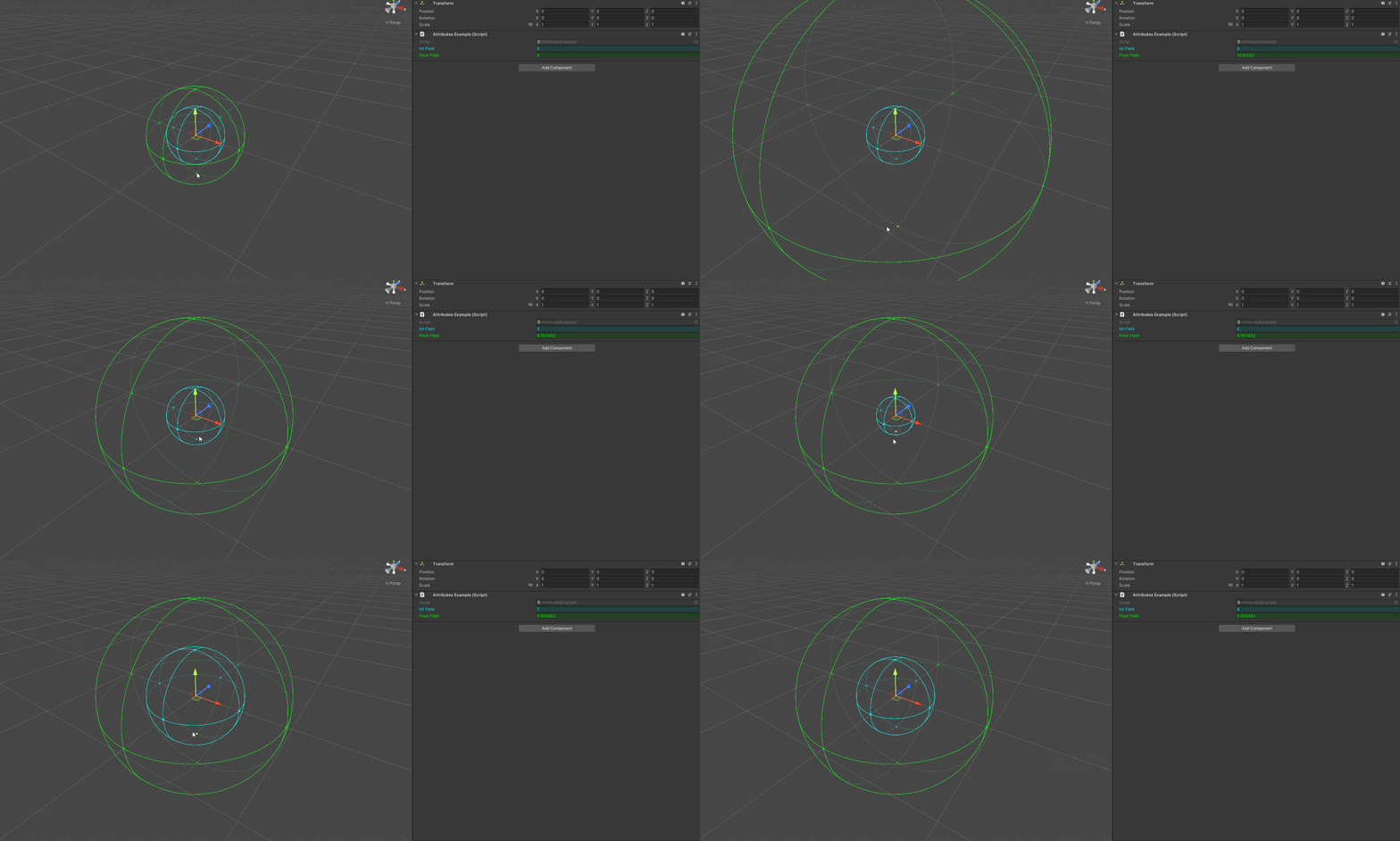
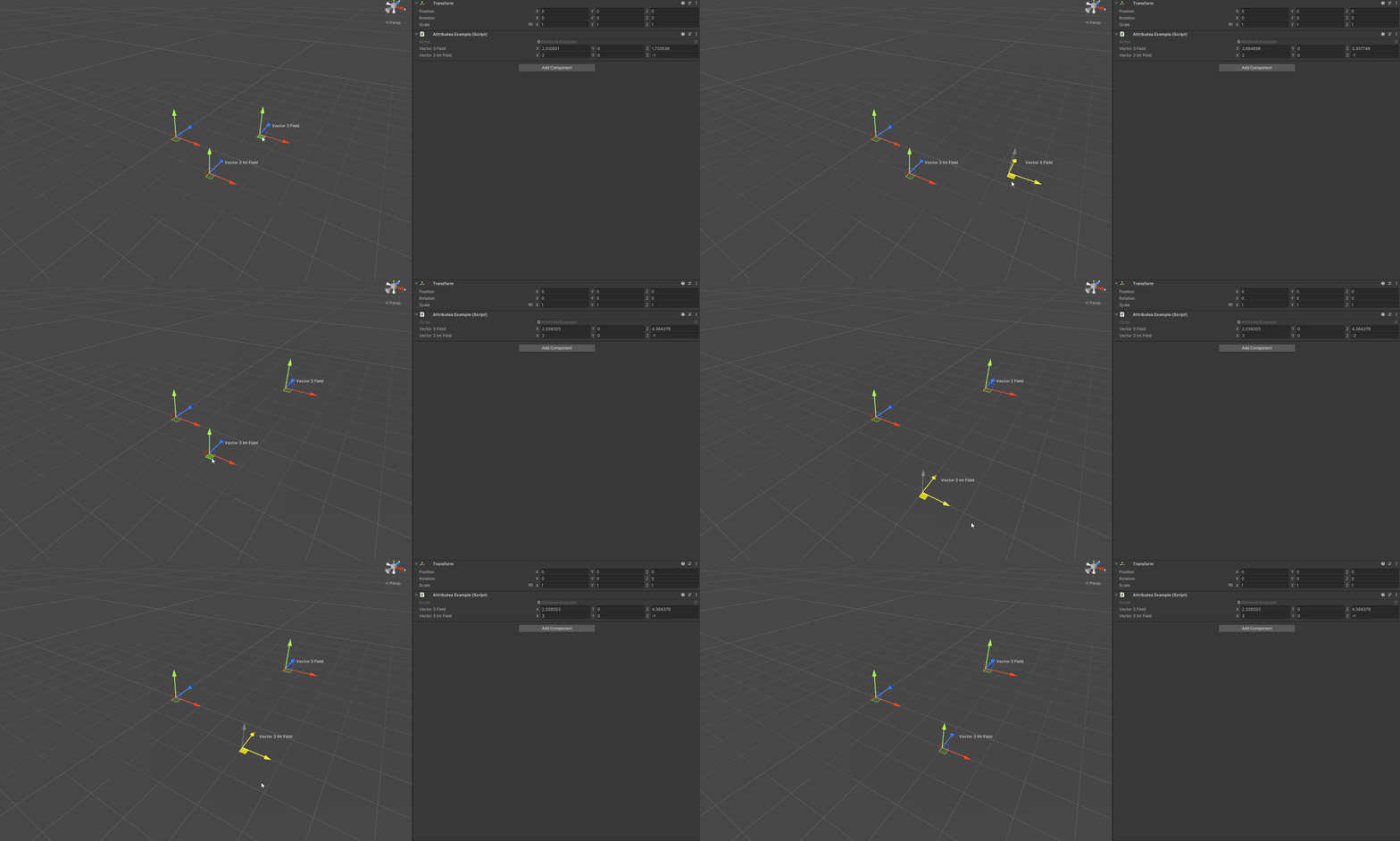
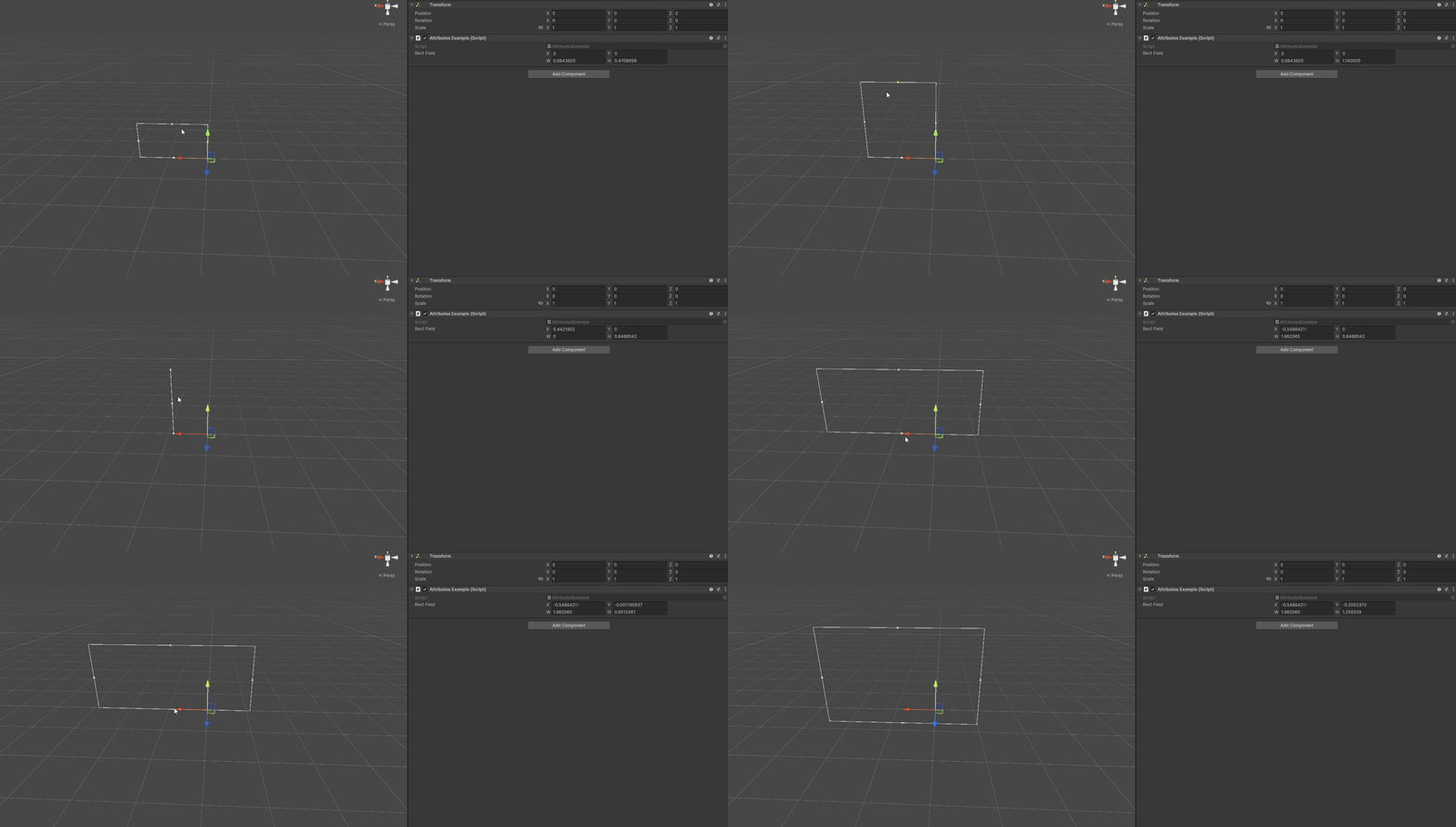
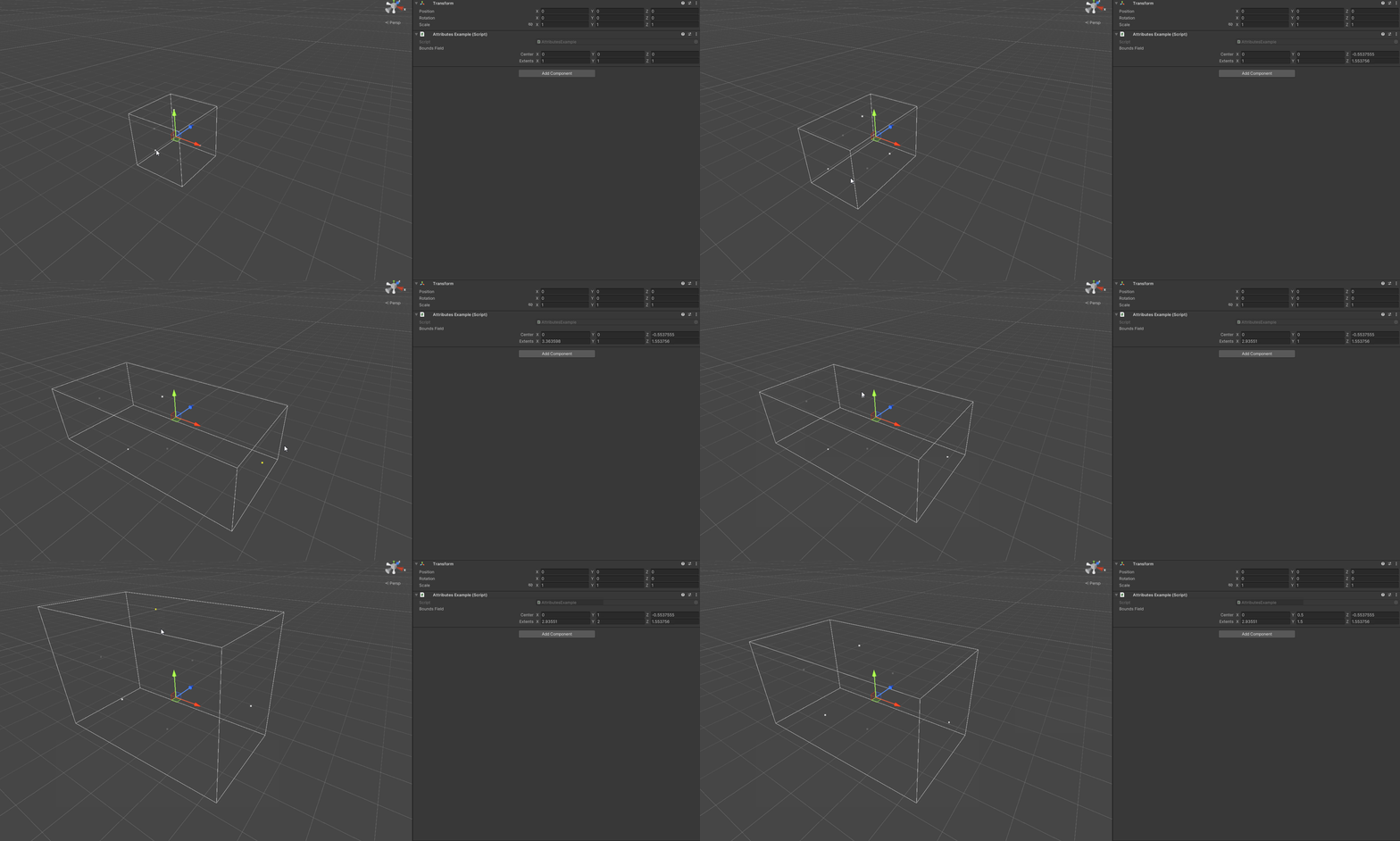
Here are handles for each supported type:
intandfloattypes
Vector types
Recttypes
Boundstypes
SimpleTransformtype
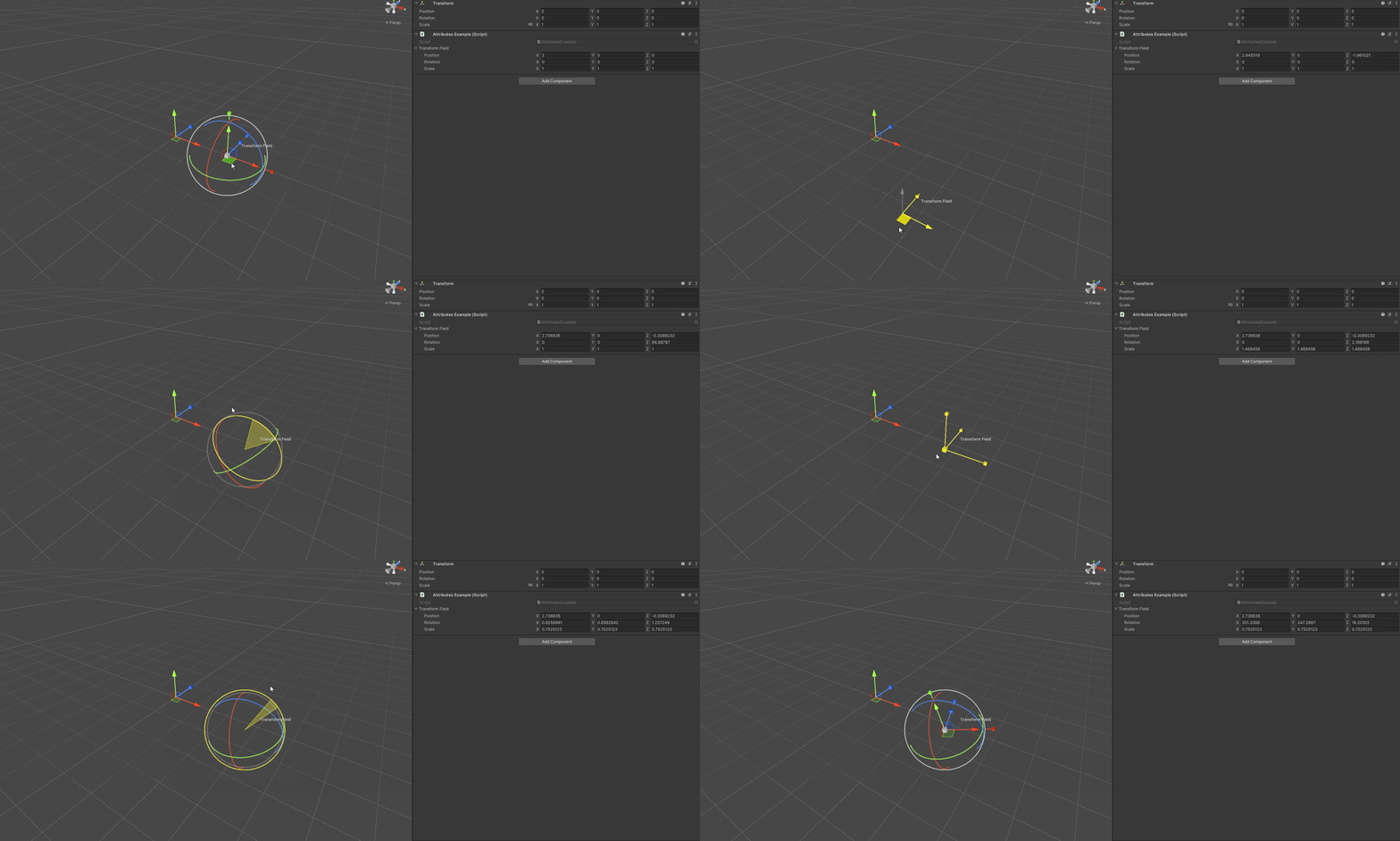
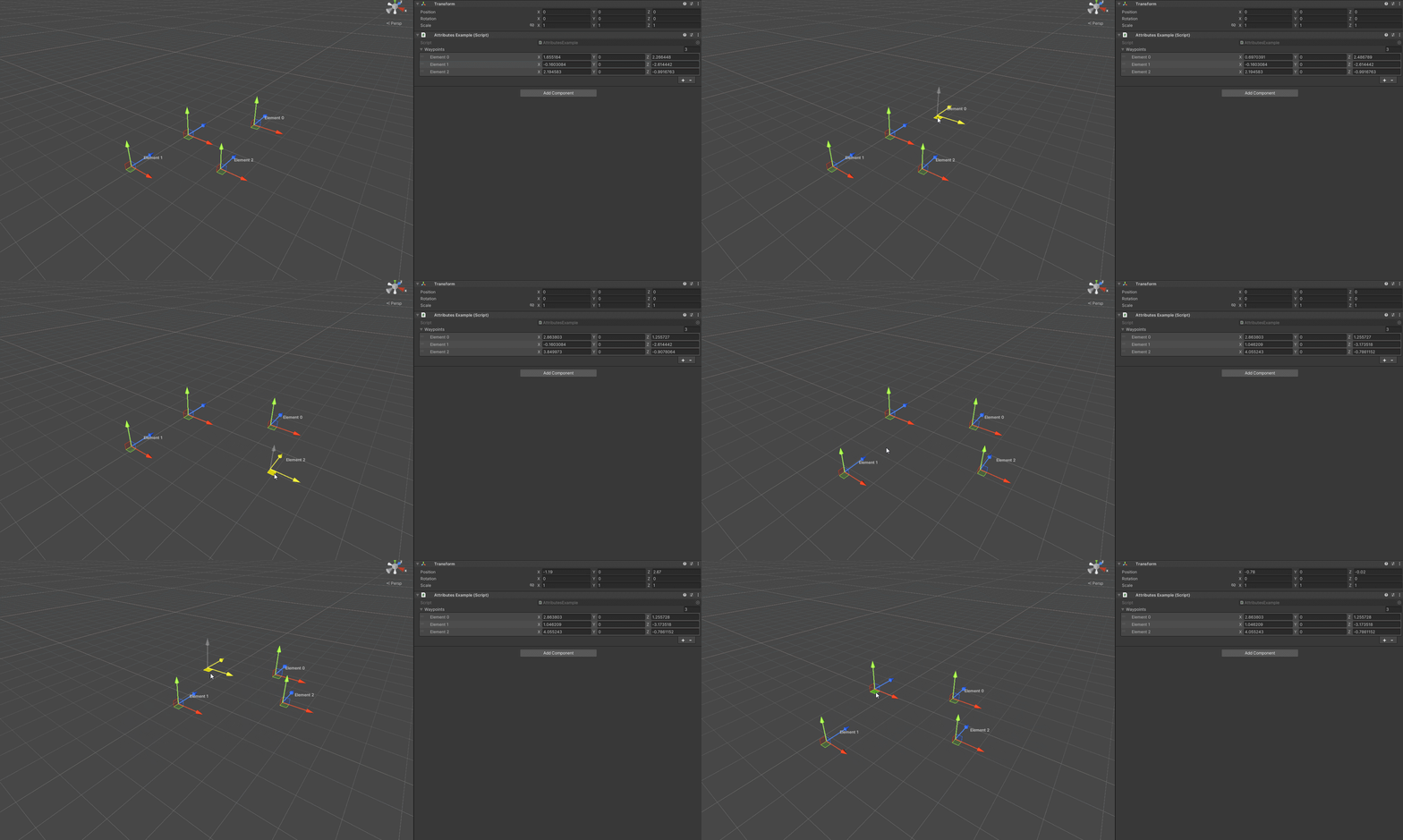
By default the handles are in world space but you can also put them in local space by setting the handleSpace parameter:
using UnityEngine;
using EditorAttributes;

public class AttributesExample : MonoBehaviour
{
        [SerializeField, DrawHandle(handleSpace: Space.Self)] private Vector3[] waypoints;
}
Note
Vector2Int and Vector3Int handles don’t support local space.